FREE DESIGN SYSTEM AUDIT
See where your website has drifted from its own design system
We render representative public pages across desktop, tablet, and mobile, infer the site’s tokens and component families, and email you a scored Drift Map with CMS-aware reconciliation steps.
Audit my design system
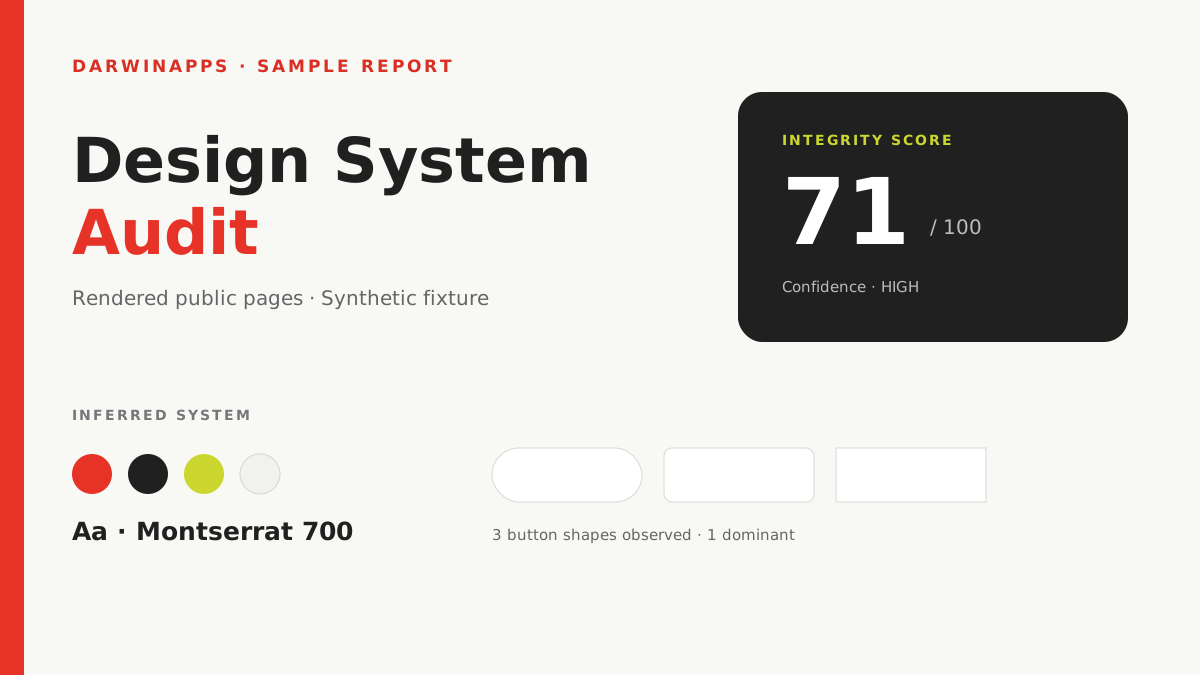
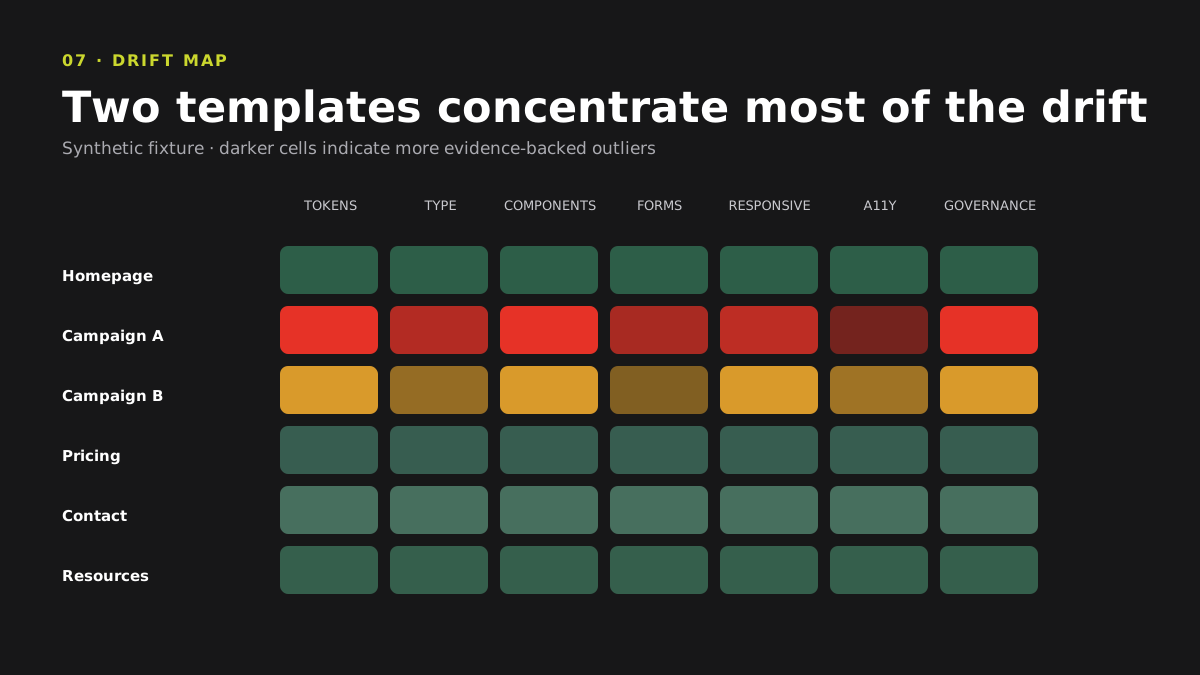
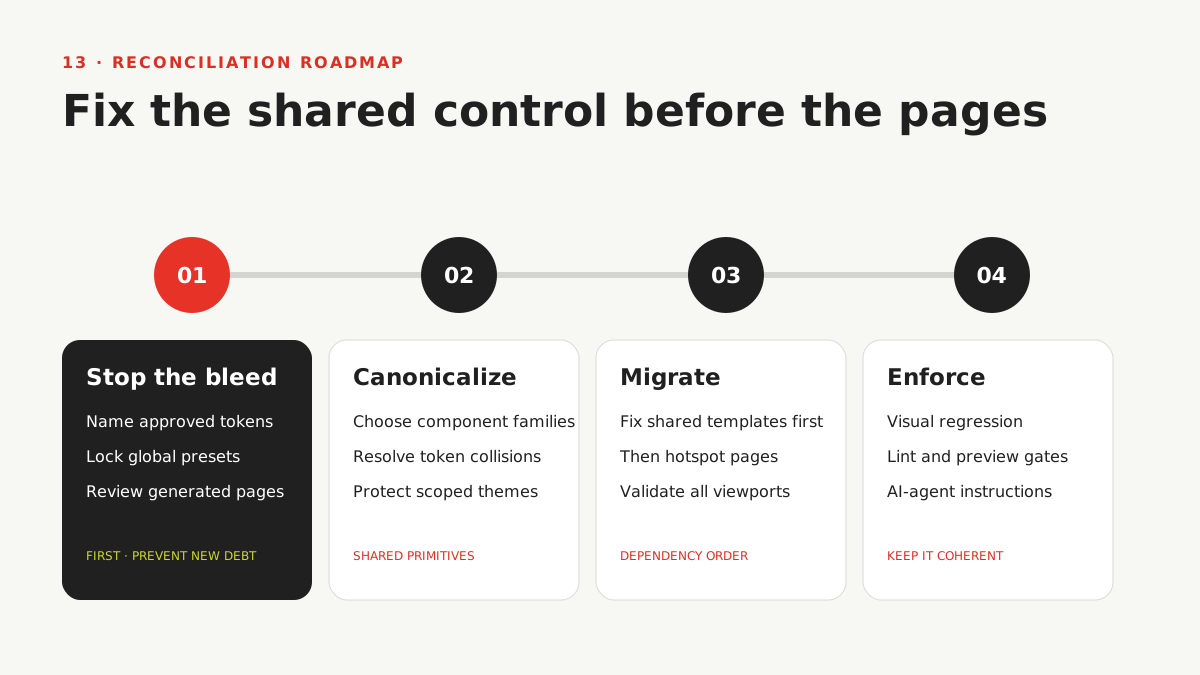
Sample report pages: Design System Integrity Score, component and page drift heatmaps, and the phased reconciliation backlog.
- Up to 100
- public pages inventoried
- Up to 30
- representative pages rendered
- 3
- responsive viewports
- 1
- reconciliation backlog
DarwinApps has delivered 200+ digital projects and holds a 4.9/5 Clutch rating.
THE DECISION GAP
What happens when every new page works—but fewer pages belong to the same system?
CMS editors, visual builders, plugins, developers, and AI coding agents can all ship a landing page quickly. Each one can also introduce another button, spacing value, form pattern, breakpoint, or local override.
The exceptions compound until brand review slows down, shared components stop controlling the experience, and every redesign begins with an expensive argument about which version is canonical.
The Darwin Design System audit infers the conventions your public site already follows, maps evidence-backed outliers, and turns them into a phased reconciliation plan at the highest durable control point.
THREE STEPS
How does the free Design System audit work?
- 01
Enter your public website
Send your contact name, work email, and website, then confirm the request from your inbox.
- 02
We render and compare the system
The audit inventories public pages, renders a representative set across desktop, tablet, and mobile, and compares tokens, component families, templates, states, semantics, and platform clues.
- 03
Use the Drift Map to reconcile it
We email the integrity score, evidence, strengths, hotspot maps, likely CMS control points, and a Stop–Canonicalize–Migrate–Enforce backlog.
01 · Inferred design-system fingerprint
See the design system the website actually expresses
Declared CSS variables and dominant rendered values reveal the color, typography, spacing, radius, shadow, grid, breakpoint, motion, and elevation conventions that recur across the public site.
02 · Component inventory and variants
Find component families that became competing implementations
Buttons, links, fields, forms, navigation, cards, alerts, dialogs, tabs, tables, and other recurring UI are grouped by role so equivalent variants can be compared without treating every unusual value as a defect.
03 · Page and component drift map
Locate where drift concentrates
Page-by-category and component-by-category heatmaps connect normalized findings to URLs, selectors, computed styles, and screenshots. Intentional themes stay separate from confirmed outliers and generic quality defects.
04 · Responsive and accessibility integrity
Check whether the system survives smaller screens and real interaction
Desktop, tablet, and mobile evidence exposes overflow, clipping, breakpoint, touch-target, focus, contrast, form-state, typography, and semantic inconsistencies that a desktop screenshot alone cannot reveal.
05 · CMS-aware reconciliation roadmap
Fix the shared control before patching every page
When public fingerprints support it, the roadmap points to durable controls in WordPress, Gutenberg, Elementor, WooCommerce, Webflow, Shopify, Drupal, HubSpot CMS, Squarespace, Wix, or the detected theme layer—with alternatives and verification steps when ownership is ambiguous.
IMPLEMENTATION PROOF
What changed when Zeplin combined pixel-perfect implementation with marketing-owned publishing?
Darwin implemented Zeplin’s design standard in a high-performance Sanity website and blog, gave marketing control over updates, and integrated Mixpanel, HubSpot, and Optimizely without sacrificing the experience.
Jason FengMarketing Director · Zeplin Inc.
Read the Zeplin website case study- Pixel-perfect
- design execution
- Marketing-owned
- content updates
- 3 platforms
- integrated into the site
- 1 system
- for the website and blog
These are client implementation results, not promised outcomes of the free public-site audit.
SCOPE
Can a public scan know the intended design system?
It infers the site’s de facto system from recurring public evidence. It does not pretend to see private design files, source code, or organizational intent.
- No Figma, source repository, private Storybook, CMS admin, or authenticated-page access.
- No claim that a page or component was authored by AI.
- No penalty for a coherent, intentionally scoped theme, sub-brand, or campaign system.
- No automatic code changes, pull requests, or page-level CSS patches.
How much does the Design System audit cost?
The public-site first pass is free. It requires no account, payment card, source repository, Figma file, CMS login, or private component-catalog access. You confirm the request by email, receive the PDF by email, and may receive one disclosed follow-up from Darwin about the findings.
QUESTIONS
Before you submit the site
Is the Design System audit really free?
Yes. The first pass costs nothing and requires no payment card or account. You provide a contact name, work email, and public website, then confirm the request by email. Darwin may follow up about the findings; newsletter signup is optional.
How can the audit infer a design system without Figma or source code?
The browser collects recurring CSS variables, computed values, component structures, roles, states, layout signatures, and screenshots across representative pages and viewports. Dominant, consistently scoped patterns form an evidence-backed baseline with a separate confidence rating.
Will an unusual campaign page be marked as broken?
Not automatically. The audit distinguishes confirmed outliers, probable variant proliferation, intentional scoped variants, generic quality defects, and insufficient evidence. A deliberate campaign or sub-brand can differ while remaining internally coherent.
Does this work with WordPress, Elementor, Webflow, or Shopify?
Yes. The audit evaluates the rendered website, so it can work across CMS and builder stacks. When public fingerprints are reliable, the roadmap names likely durable control points such as theme.json, Global Styles, builder presets, Webflow variables, Shopify sections, or theme CSS—and labels uncertainty when ownership cannot be proven publicly.
What kinds of drift does the report detect?
Coverage includes token outliers, duplicated component families, inline and page-local overrides, form and interaction inconsistencies, responsive defects, typography or icon divergence, accessibility and semantic drift, specificity conflicts, framework defaults, and pages that concentrate exceptions.
What does the Design System Integrity Score mean?
The deterministic 0–100 score covers token coherence, component consistency, responsive and layout integrity, form and interaction consistency, accessibility and semantics, plus maintainability and governance readiness. Missing evidence is excluded rather than counted as failure.
Will the report tell us how to fix the findings?
Yes. Every priority item maps the current pattern to a proposed canonical target, affected pages and components, dependencies, likely CMS control point, implementation complexity, and validation step. The roadmap is organized into Stop the bleed, Canonicalize, Migrate, and Enforce phases.
Can the audit identify pages created with AI?
No. Public appearance and implementation details cannot establish authorship. The report may explain why AI-assisted publishing accelerates one-off patterns, but it never attributes a specific page or defect to AI without provenance evidence.
When will the report arrive?
The audit begins after email confirmation and runs asynchronously because page discovery and browser rendering vary by domain. Darwin emails the secure report link when processing finishes. No fixed delivery time is promised.
How often can I audit the same website?
A domain can receive one Design System audit during a 30-day period. The same domain may still request a different free audit during that period. Per-email, per-IP, and daily limits protect the service from automated abuse.
FREE FIRST PASS
Turn visual drift into an ordered reconciliation plan
See which conventions are strong, where variants multiplied, and which shared control your team should fix before touching individual pages.
Audit my design system Free. Public rendered pages only. No source, Figma, CMS login, or account required.This audit reads the Surface layer only. See how Darwin Flux fixes the whole system